A look inside
Screenshots
Clean dark interface with a live log so you always see what’s happening.
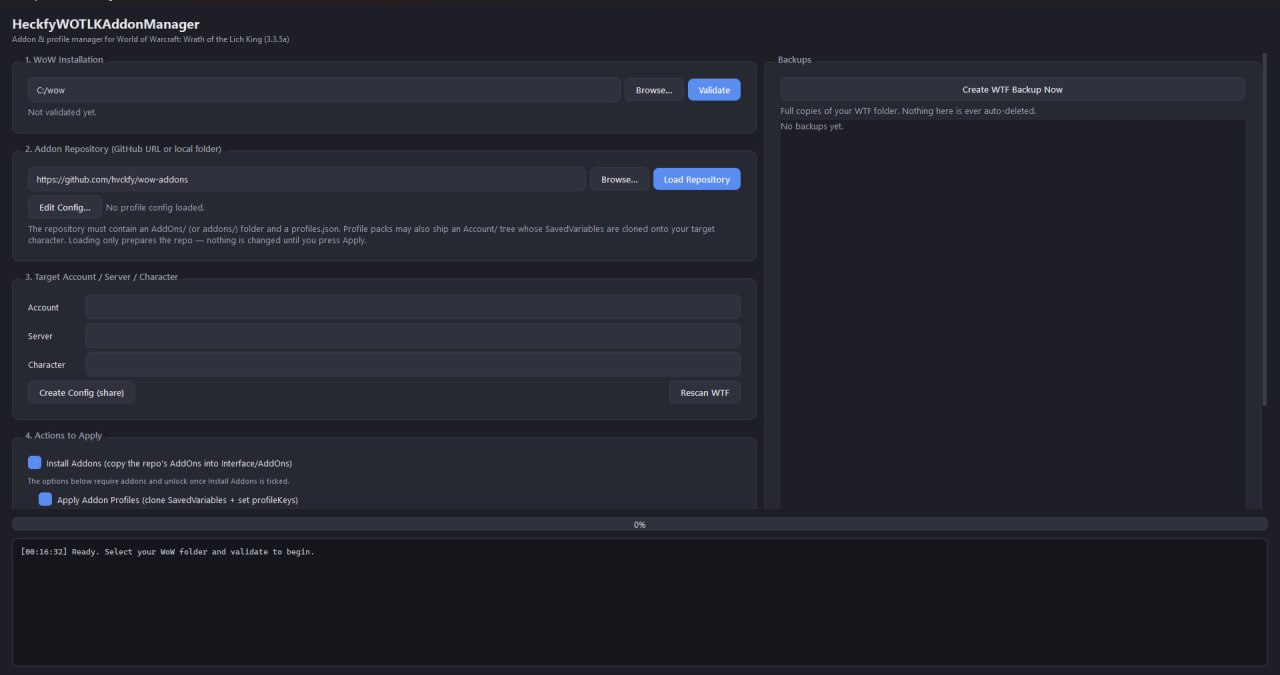
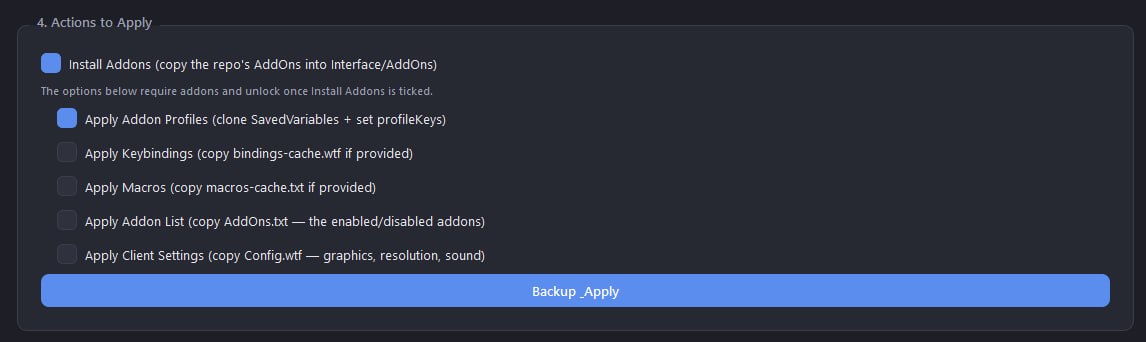
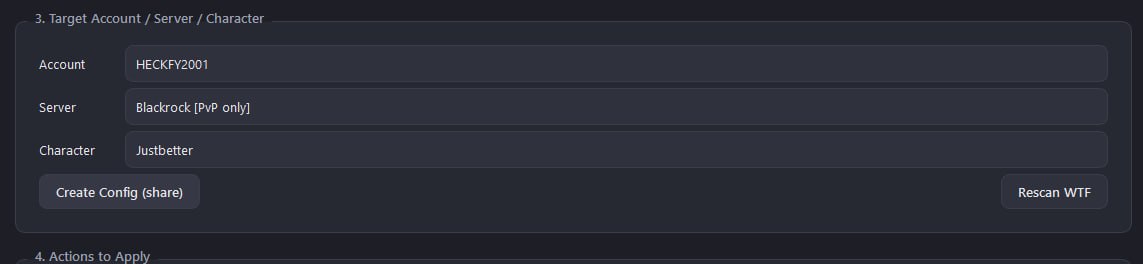
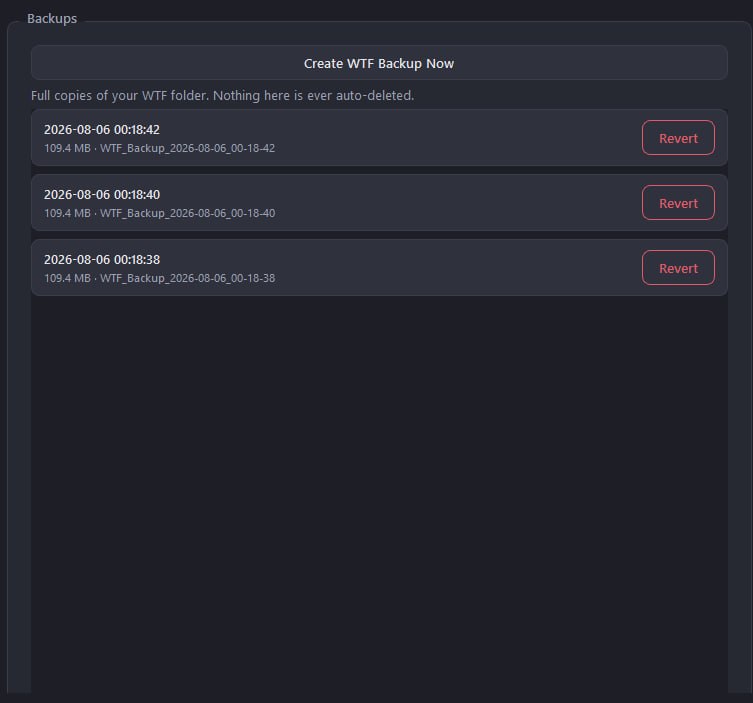
Install addons, clone a complete setup — profiles, keybindings, macros and graphics — then back it up and revert anytime. Share your config with a friend in a click.
One tool to install addons and carry a full, working configuration between characters and accounts.
Copies the whole addon set into Interface/AddOns. Existing addons are never overwritten without asking.
Brings over addon profiles (Bartender4, WeakAuras, Gladdy…), keybindings, macros and the enabled-addon list.
Optionally applies Config.wtf so resolution, UI scale and sound match too.
A full WTF backup is taken before every change. Roll back and forth between snapshots — nothing is ever auto-deleted.
Export your character’s exact setup into a clean folder + .zip and send it to a friend.
Validates that Wow.exe is genuinely 3.3.5a and blocks actions while WoW is running, so nothing gets corrupted.
Clean dark interface with a live log so you always see what’s happening.
Get my exact UI on your own character.
https://github.com/hvckfy/wow-addons
Tip: close WoW before applying — the game rewrites its config on exit and would undo the import.
Windows build. Just download and run — no installer.